
This photo of my brother cracks me up. After a long day at Disney we went out to the car to eat
some lunch and this is how he fell asleep. Hunched over in his own lap!
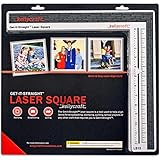
I created this layout my Get-it-Straight™ Laser Square! Here's How;
some lunch and this is how he fell asleep. Hunched over in his own lap!
I created this layout my Get-it-Straight™ Laser Square! Here's How;
1. Start with a solid color 12x12 cardstock for a base
2. I cut out a 3" and 2" strip of pattern paper which I cut diagonally, corner to corner
and adhered to the top and bottom of the page
and adhered to the top and bottom of the page
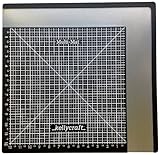
3. Add a coordinating 6x6 paper, slightly off center, with the Get-it-Straight™ Laser Square

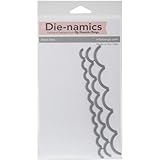
4. Add another layer piece, I created a scallop strip with some dies & coordinating
cardstock
cardstock
5. Finally, add your photo layer.
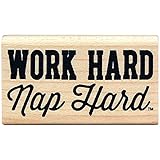
6. To start embellishing I first stamped my title. Use a grid lined stamp block and
the Get-it-Straight™ Laser Square to keep straight.
the Get-it-Straight™ Laser Square to keep straight.

7. Finish the page with assorted embellishments as desired.
Here's a close up




No comments:
Post a Comment